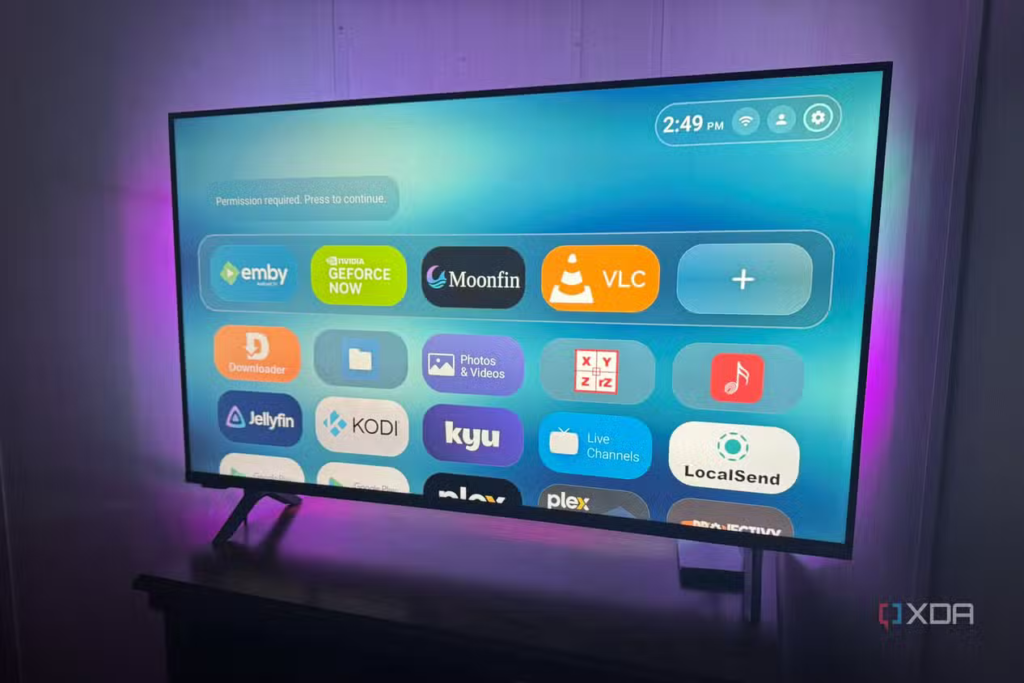
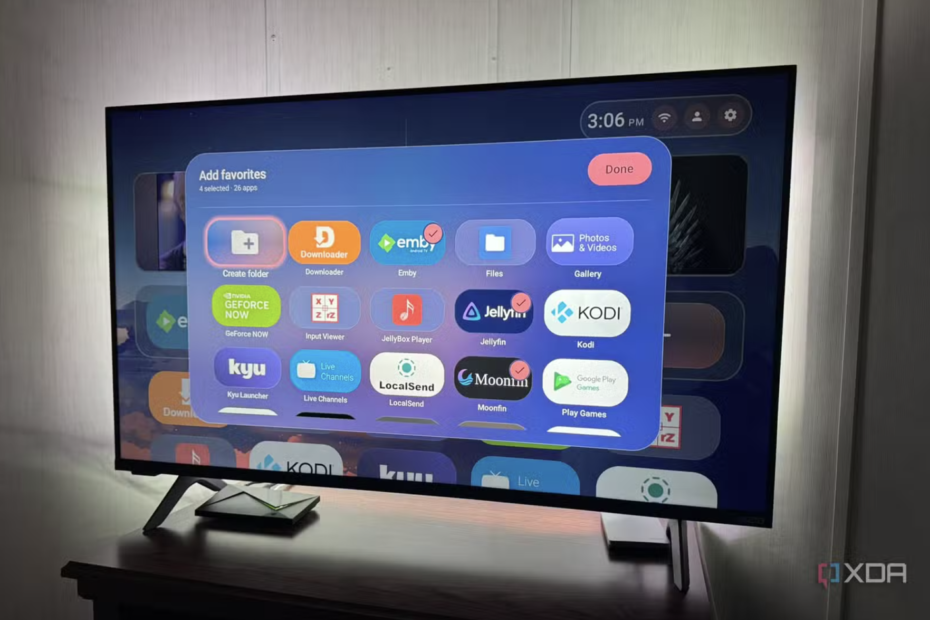
In terms of UI, the launcher uses glossy, rounded rectangle app icons, and all apps and settings options are displayed in a horizontal layout similar to Apple TV.
 By Frank Ulom
·
Published on September 20, 2026
·
3 min read
By Frank Ulom
·
Published on September 20, 2026
·
3 min read
According to foreign media XDA, an Android launcher called Monet Launcher has recently been listed on the Google Play Store. This launcher is specifically optimized for Android TV smart TVs and claims to achieve a certain balance between functionality and interface design.
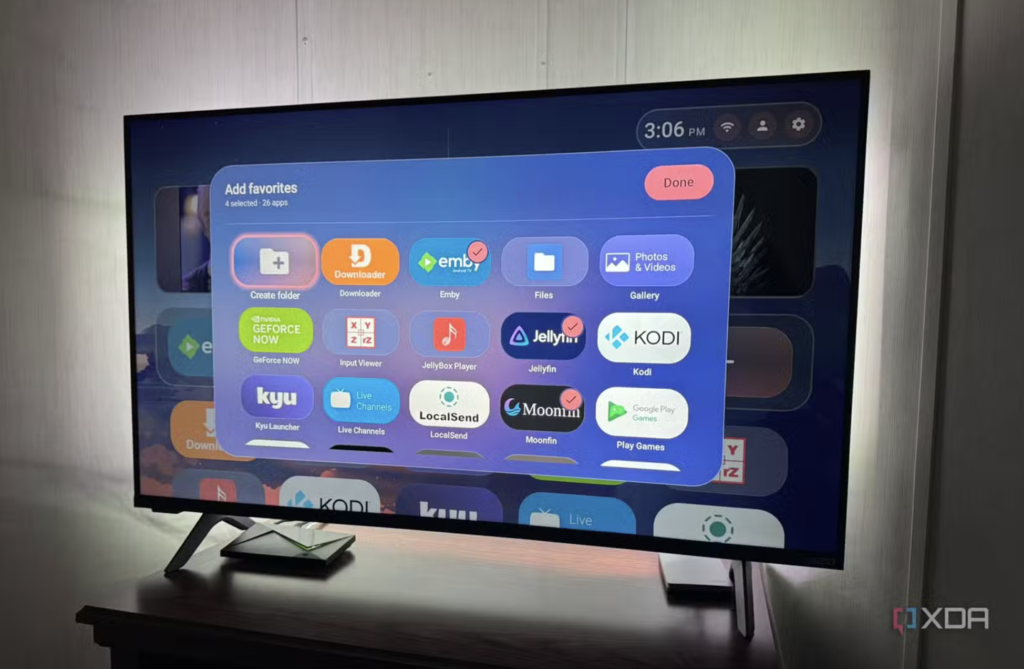
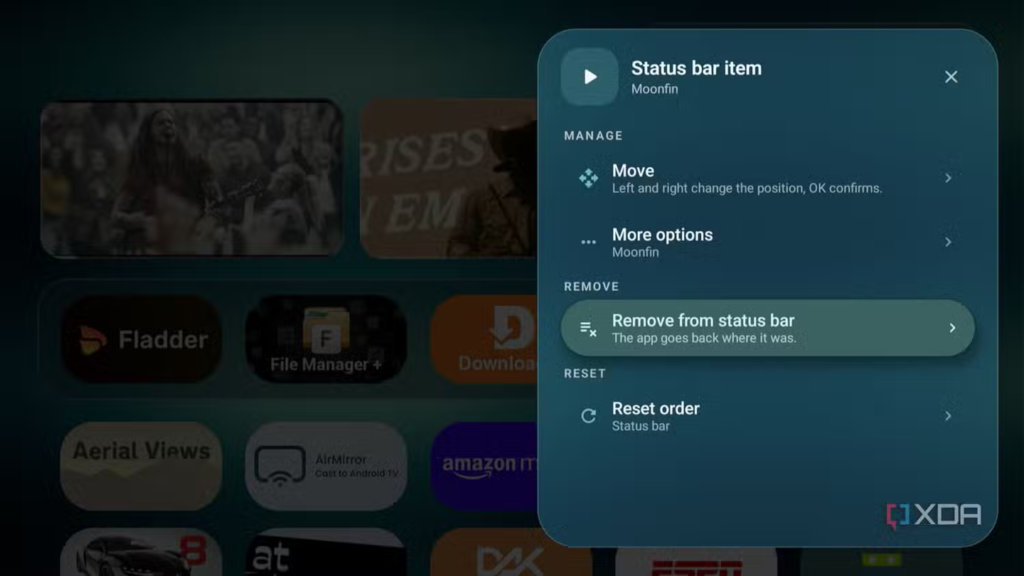
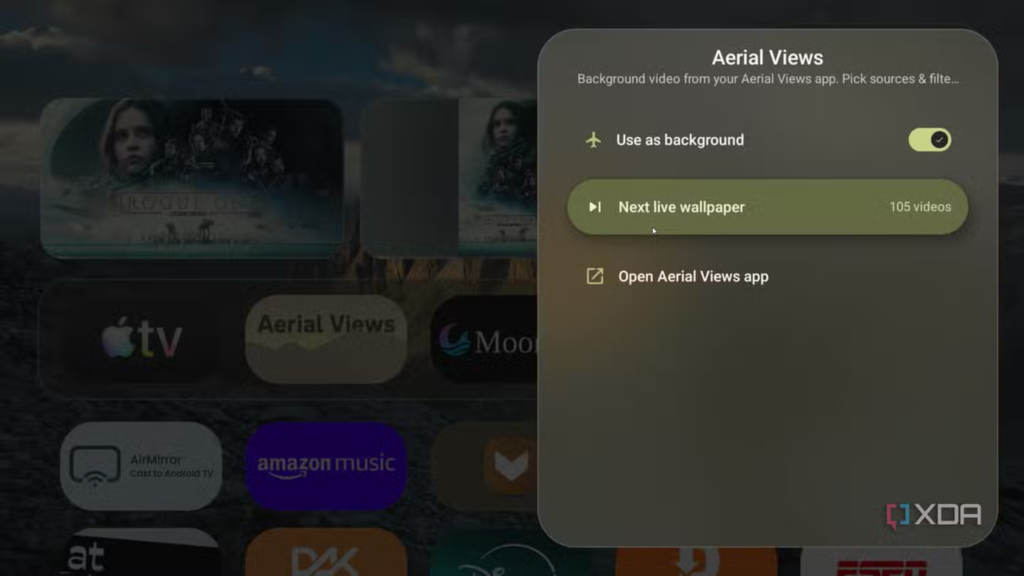
In terms of UI, the launcher uses glossy, rounded rectangle app icons, and all apps and settings options are displayed in a horizontal layout similar to Apple TV. Users can place their most frequently used apps in the top favorites bar, pin them to the Status Bar in the upper right corner of the screen, or add them to the favorites bar below the media cards.
In addition, Monet Launcher supports a media card feature, which displays previously viewed content. Users can configure which media apps retrieve their viewing history from and adjust the number of cards displayed. For frequent video viewers, these cards provide a convenient way to quickly return to previously viewed content. If users feel that media cards negatively impact app switching speed, they can also disable them.
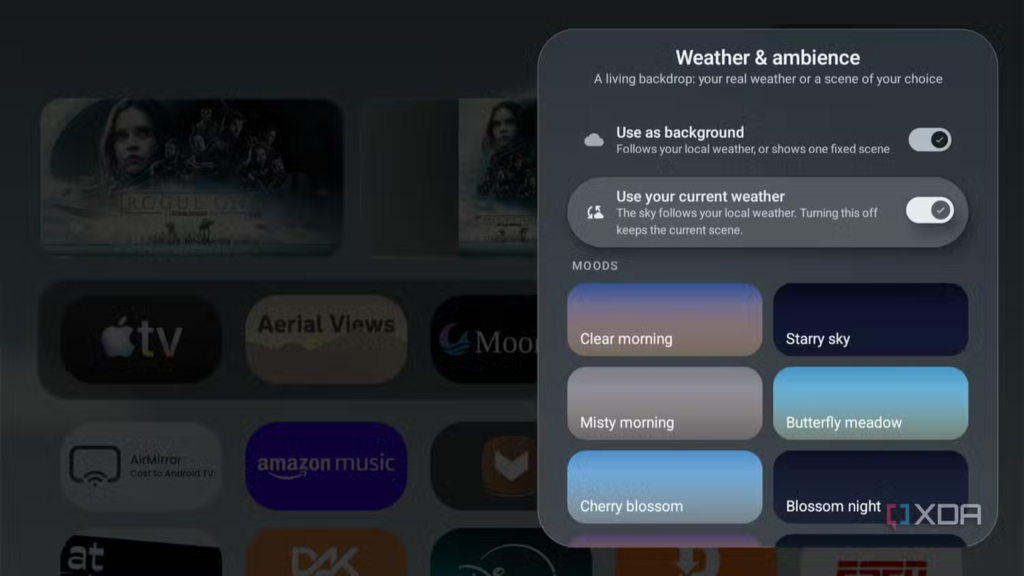
The official website also offers a paid Premium version of the app, which costs $5 (approximately RMB 33.6 at the current exchange rate) for a one-time purchase. After unlocking the Premium version, users can further customize the theme, icons, widgets, and other interface elements.
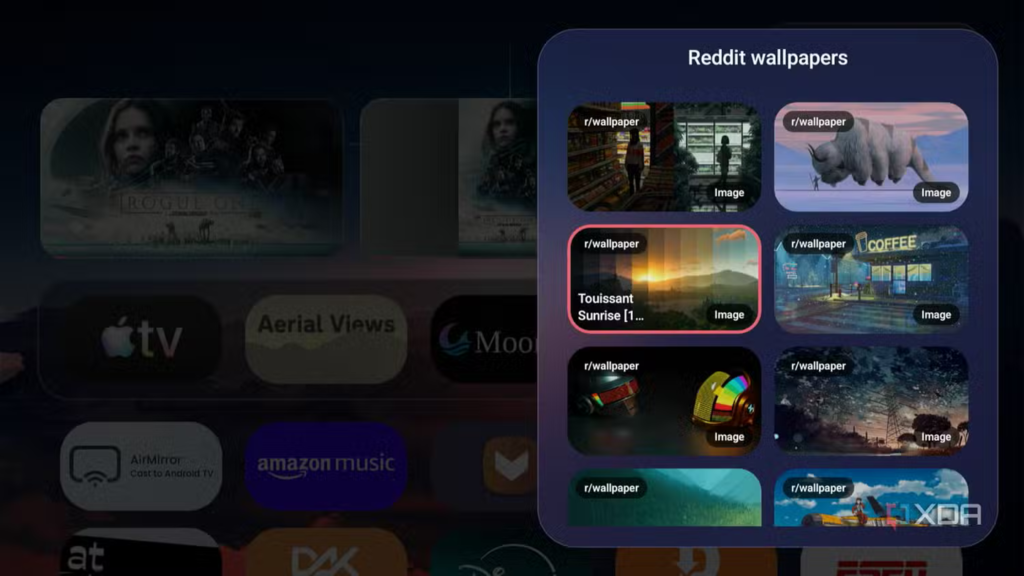
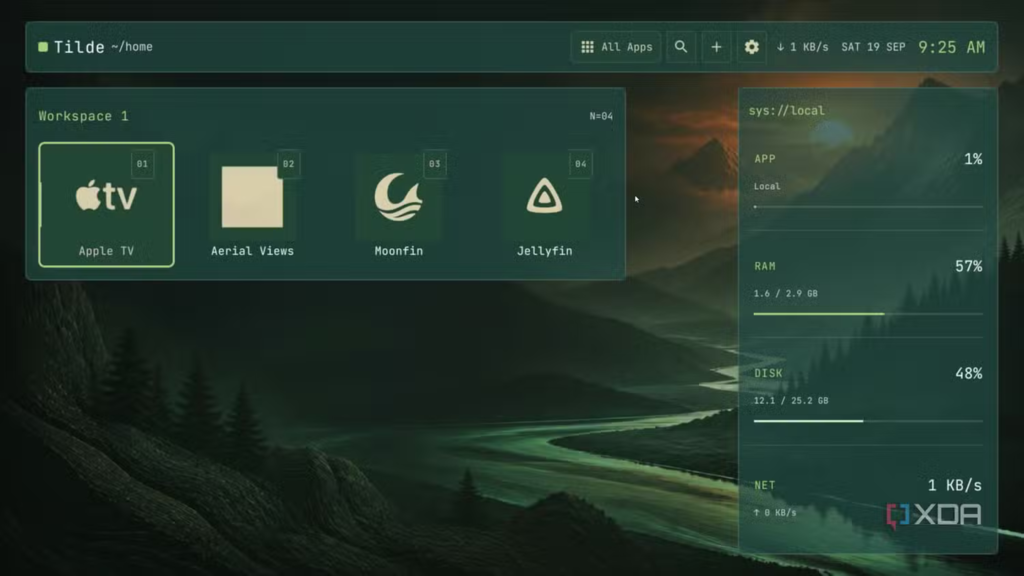
Specifically, the Premium version includes built-in themes such as “simulated computer code editing interface”, “PC-style desktop with taskbar at the bottom”, and “Roku-like TV interface”. Users can also mix and match different icons, backgrounds and theme elements to further customize their main interface.
Some media outlets have pointed out that while Monet Launcher’s interface can sometimes feel a bit cumbersome, its Status Bar feature for pinning frequently used apps is extremely useful, reducing the time spent searching for software in the app list. The overall design is somewhat similar to Apple TV’s interaction logic, only slightly less refined. After unlocking paid features, users can also switch between Apple TV style, Roku style, and computer desktop style according to their preferences.
Overall, Monet Launcher is suitable for users who want to break away from the default Android TV home screen and gain more control. It replaces the default launcher with a cleaner and more customizable interface, while offering a large number of themes and layout options. For users who want to further customize their Android TV home screen, Monet Launcher is worth a try.